
Turn Slack into your company's AI helpdesk
Deflect 50%+ of repetitive IT, HR, and
operations questions inside Slack. IrisGPT
answers employees instantly using your
internal docs, 24/7.
operations questions inside Slack. IrisGPT
answers employees instantly using your
internal docs, 24/7.
Deflect 50%+ of repetitive IT, HR, and operations questions inside Slack. IrisGPT answers employees instantly using your internal docs, 24/7.
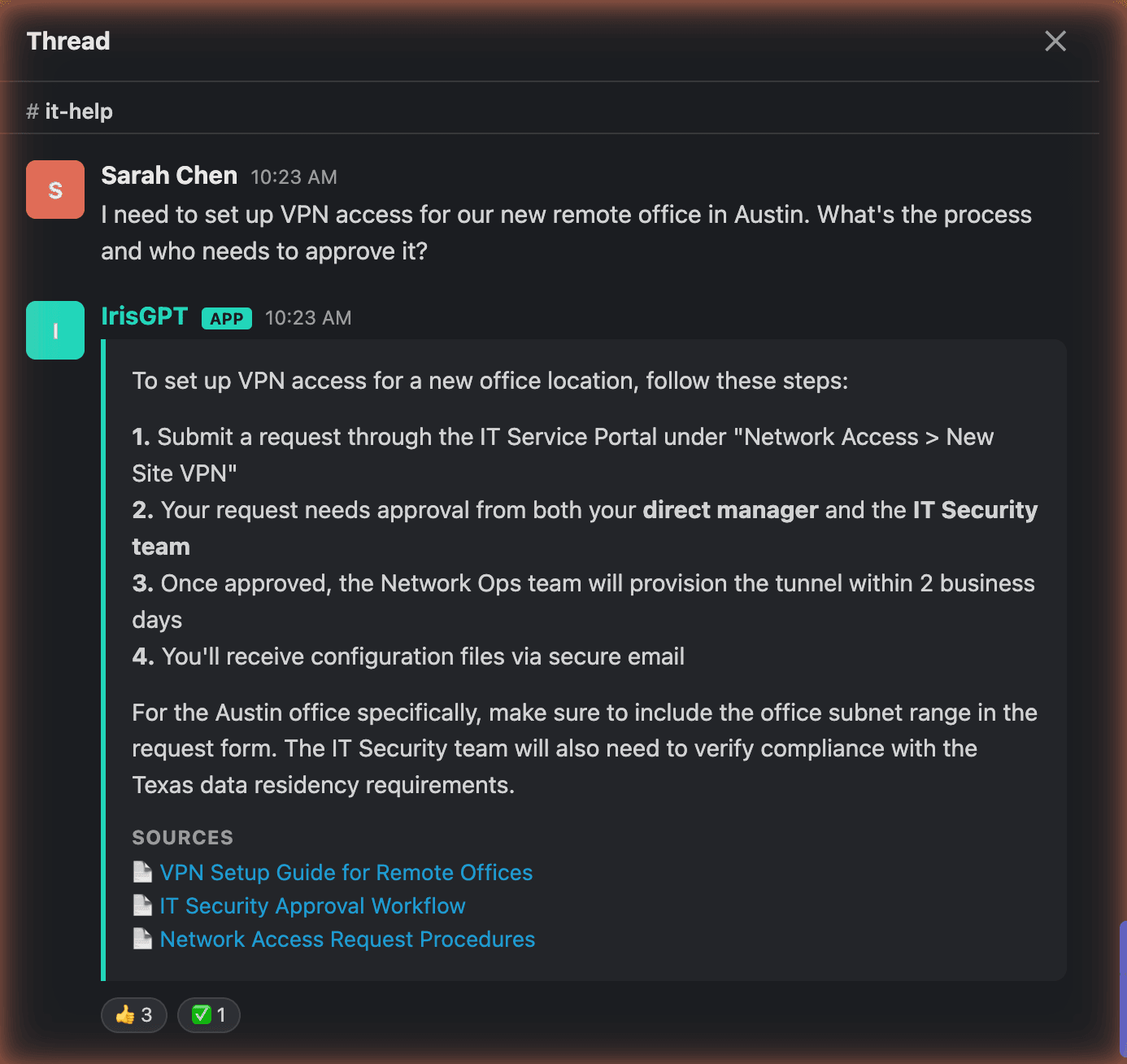
Instant answers inside the channels employees already live in
Your IT team should not be ctrl-F'ing Confluence for password reset instructions. IrisGPT lives in #it-help, #hr-questions, and #ask-ops, answering repetitive tier-1 questions instantly so your internal team can focus on real work.
#it-helpSlack
RT
Rachel Torres 9:12 AM
How do I reset my VPN password? Locked out after the update.
1 reply
AI
IrisGPT App9:12 AM
Here's how to reset it yourself:
- Open the self-service portal and choose VPN
- Verify with your SSO login
- Set a new password, then reconnect the VPN client
Source: Confluence · VPN access guide
Connected
ConfluenceIT and Ops spacesSynced
NotionPeople team wikiSynced
Google DrivePolicies folderSynced
SharePointHR siteSynced
JiraIT service projectSynced
Zendesk internal helpInternal articlesSynced
Answer settings
Cite sources in every answer
Refresh when docs change
Decline when there is no reliable answer
Trained on your stack, not the public internet
Connect Confluence, Notion, Google Drive, SharePoint, Jira, Zendesk internal help, and your custom wikis. IrisGPT cites sources in every answer, learns from new docs automatically, and never hallucinates when it does not know.
Two deployment modes, full admin control
Use Channel Auto-Reply Mode to capture every question in dedicated helpdesk channels, or Mention Mode for on-demand help in busy channels. Scope which topics IrisGPT can answer, who can escalate, and which knowledge sources each channel can access.
Channels
#it-helpChannel Auto-Reply
#hr-questionsChannel Auto-Reply
#ask-opsChannel Auto-Reply
#generalMention Mode
#it-help settings
Who and what IrisGPT can use here
TopicsPasswords, VPN, devices
Can escalateIT on-call group
SourcesConfluenceJira
SOC 2 Type IICompliant
Single sign-onEmployees sign in with SSO
Role-based accessPermissions set by role
Tenant isolationYour data stays in your tenant
VPC deploymentRun in your own cloud
Enterprise security, deployed in hours
SOC 2 Type II compliant with SSO, role-based access, tenant isolation, and VPC deployment options. No long services engagement, no six-figure minimums. Most teams are live before lunch, with a 30-day pilot that proves ROI before you sign annual.
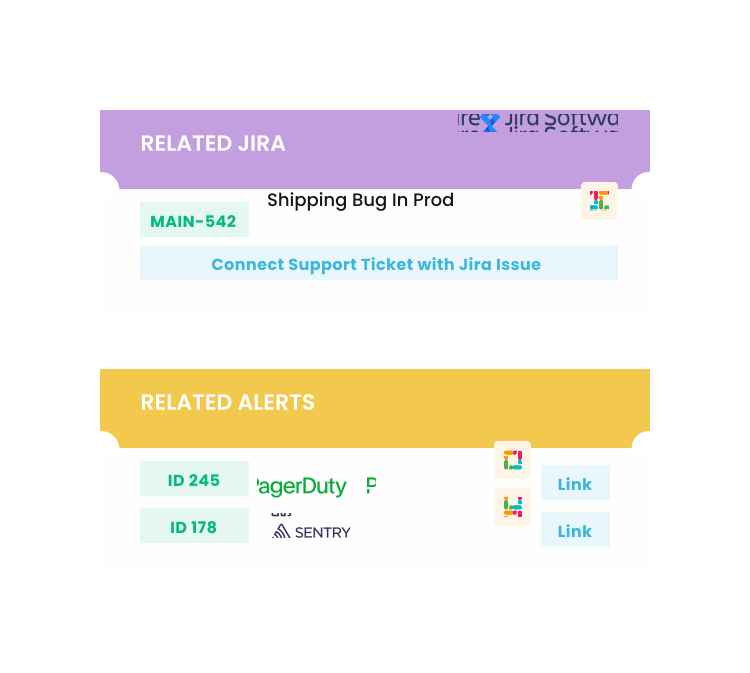
Real-time alerts and automation summaries, right in Slack
IrisGPT pushes the signals your team needs into Slack: real-time alerts the moment something needs attention, trending issue notifications when a spike or new incident emerges, and automation summaries that recap what the AI resolved. Your support and engineering teams stay ahead of problems without watching a dashboard.
Ask your support data questions in Slack
Ask which escalations need attention this week and get a sourced answer right in Slack.
Stop answering the same 20 questions every week
Why teams pick IrisGPT over legacy internal AI
Moveworks-class deflection at startup-friendly pricing and speed.
Hours
to deploy (vs. months for legacy platforms)
50%+
average deflection rate on tier-1 internal questions
1/10
the cost of Moveworks or Aisera

Quick
no-code setup

Supports all
major languages

Easily
customizable
Any questions?
We got you.

Calculate your savings
Estimate how much internal AI deflection is worth to your team.
Try the ROI Calculator →This is one of many IrisAgent integrations. See how AI deploys across your full customer support stack, or see the AI IT Agent, which resets passwords, grants access, and resolves IT tickets right inside Slack.