
Better collaboration and
partnership with engineering
teams
Proactive Support with AI-powered ticket triaging
Discover root cause, assign, and triage tickets
automatically. Correlate customer support tickets
with engineering issues to contextualize user issues
and prevent costly engineering escalations.Discover root cause, assign, and triage tickets
automatically. Correlate customer support tickets
with engineering issues to contextualize user issues
and prevent costly engineering escalations.
automatically. Correlate customer support tickets
with engineering issues to contextualize user issues
and prevent costly engineering escalations.Discover root cause, assign, and triage tickets
automatically. Correlate customer support tickets
with engineering issues to contextualize user issues
and prevent costly engineering escalations.
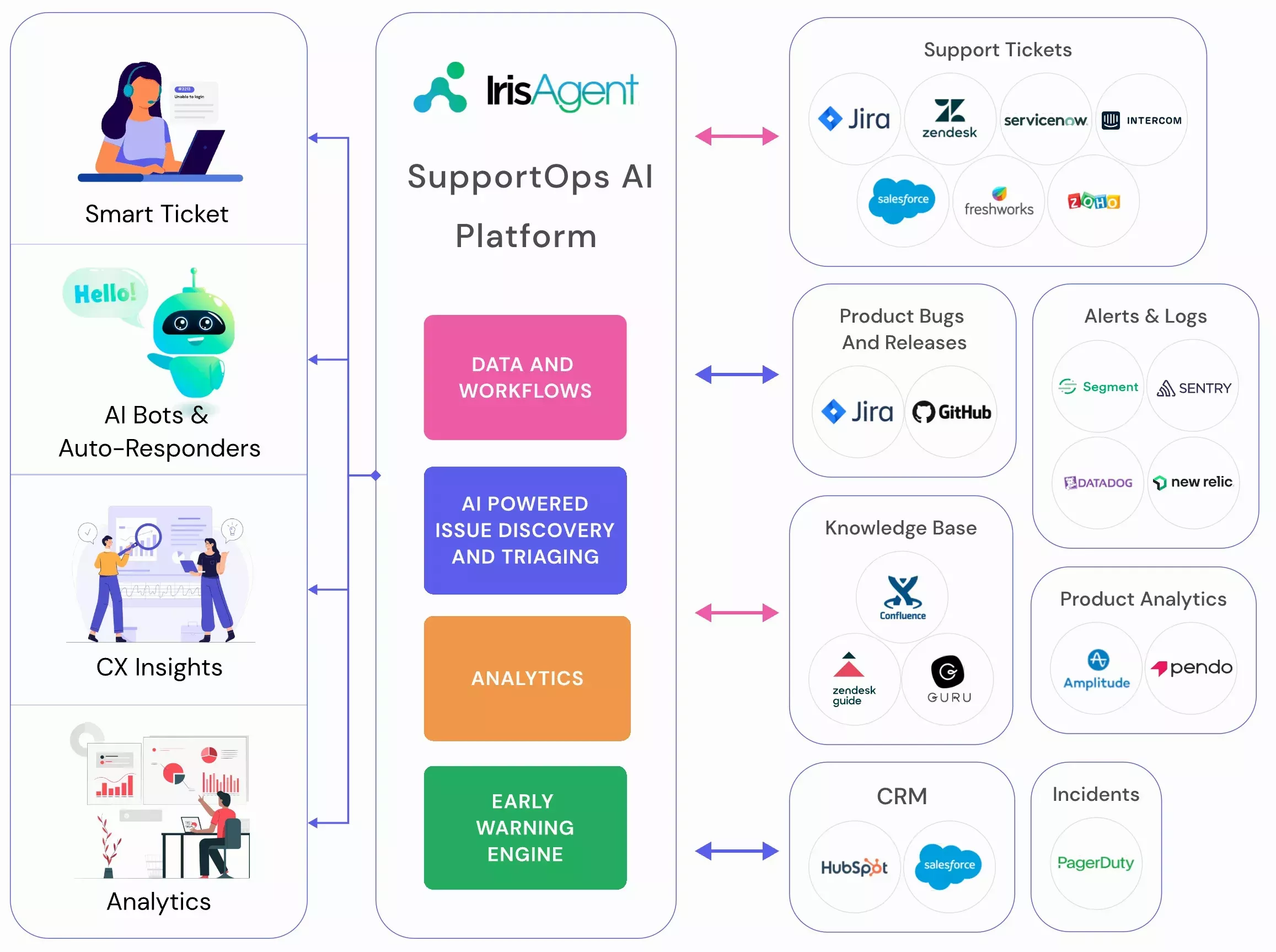
What Is AI Ticket Triage?
AI ticket triage is the automated process of reading every incoming support ticket and deciding its priority, its owner, and its root cause before a human sees it. Instead of a senior agent sorting a queue by hand each morning, the system classifies by intent, urgency, and account value in under a second, and routes the ticket to the team that can actually close it.
- Triage on ingest: every ticket is classified, prioritized, and assigned the moment it arrives, not at the next queue review.
- Root cause, not just routing: IrisAgent correlates tickets with product releases, bugs, and alerts, so a spike is identified as one issue rather than 200 separate tickets.
- Escalation prevention: tickets that would have reached engineering are matched to a known cause and resolved in support instead.
By the IrisAgent team · Last updated July 22, 2026
FOR CUSTOMER SUPPORT TEAMS
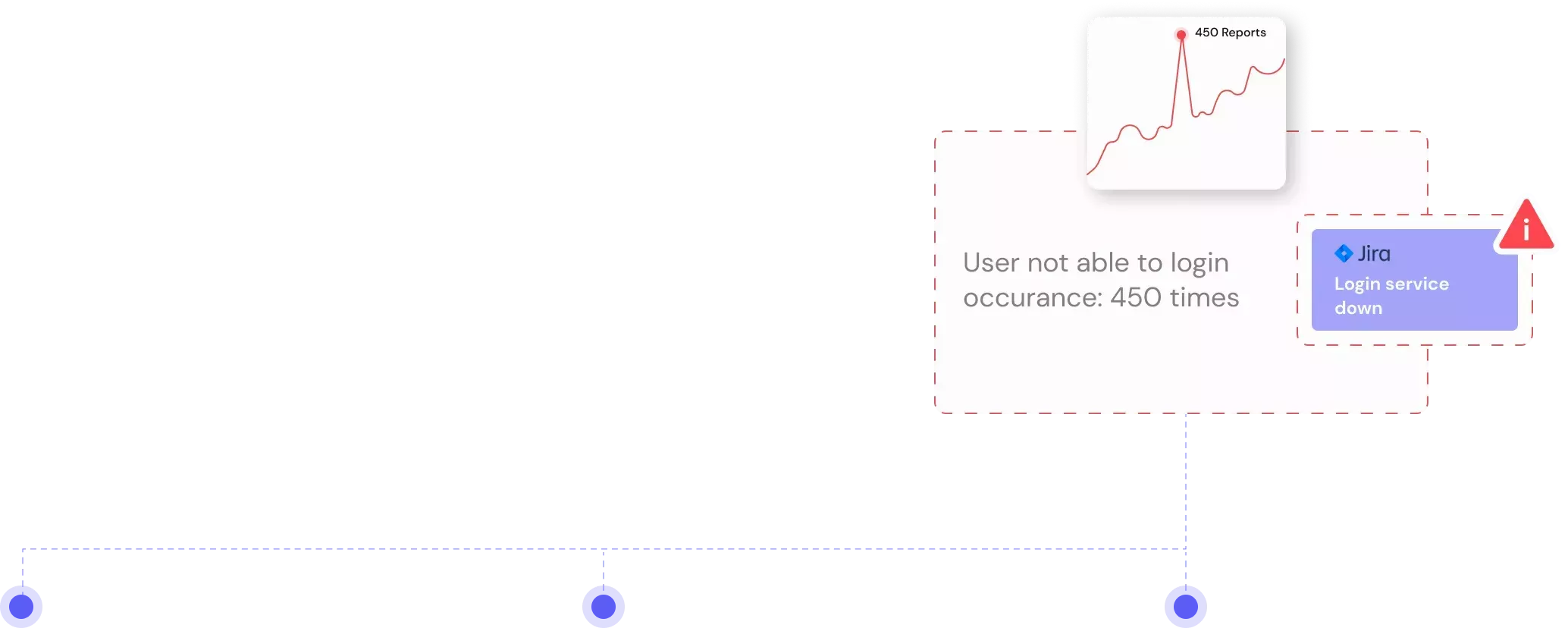
Real-time correlation of tickets, alerts & bugs for faster resolution
Support teams benefit from AI-powered ticket triaging, which improves response times and prevents costly escalations by intelligently assigning tickets. Identify when a product release or bug is the source of a customer issue.

Better collaboration and
partnership with
engineering teams
Workflow automations to
save manual labor and
avoid mistakes
Instant problem discovery
to help you resolve
support tickets faster
FOR CUSTOMER SUPPORT TEAMS
Real-time correlation of tickets, alerts & bugs for faster resolution
IrisAgent can identify when a product release or
feature regression/bug is the source of a customer
issue. Resolve support tickets faster and get alerts
about product bugs.
feature regression/bug is the source of a customer
issue. Resolve support tickets faster and get alerts
about product bugs.
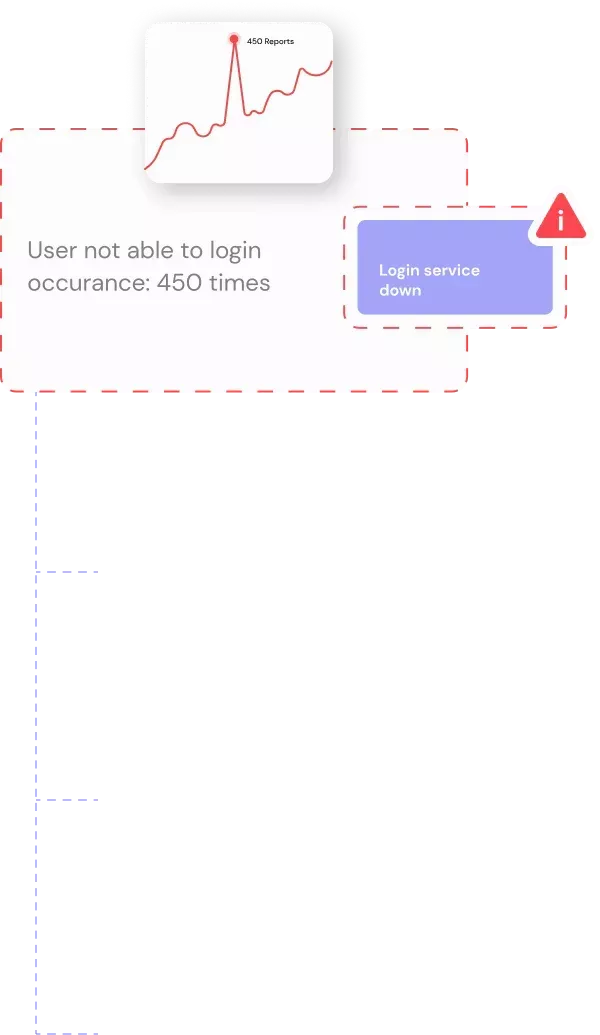

Workflow automations to
save manual labor and avoid
mistakes
save manual labor and avoid
mistakes
Instant problem discovery to
help you resolve support
tickets faster
help you resolve support
tickets faster
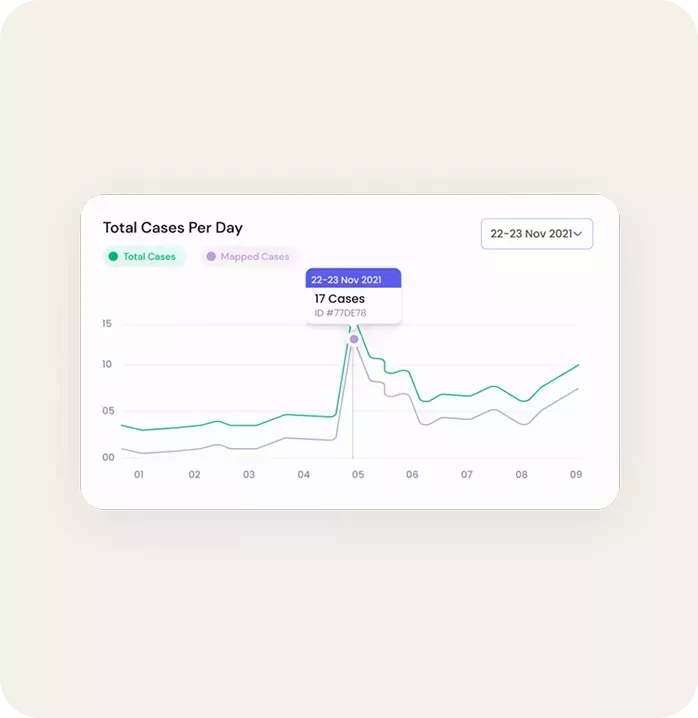
FOR CUSTOMER SUPPORT TEAMS
Discover trending
customer issues with
anomaly detection
Our Early Warning Engine detects product and
customer experience issues based on anomalies and
trends in customer support agents and users' data.
customer experience issues based on anomalies and
trends in customer support agents and users' data.
Find and Resolve impactful
issues that are affecting
customers at scale
Find and Resolve impactful issues
that are affecting customers at scale
Create automated
workflows for real-time
alerts
Create automated workflows for
real-time alerts
Collaborate with internal
product and engineering
teams
Collaborate with internal product
and engineering teams
FOR PRODUCT AND ENGINEERING TEAMS
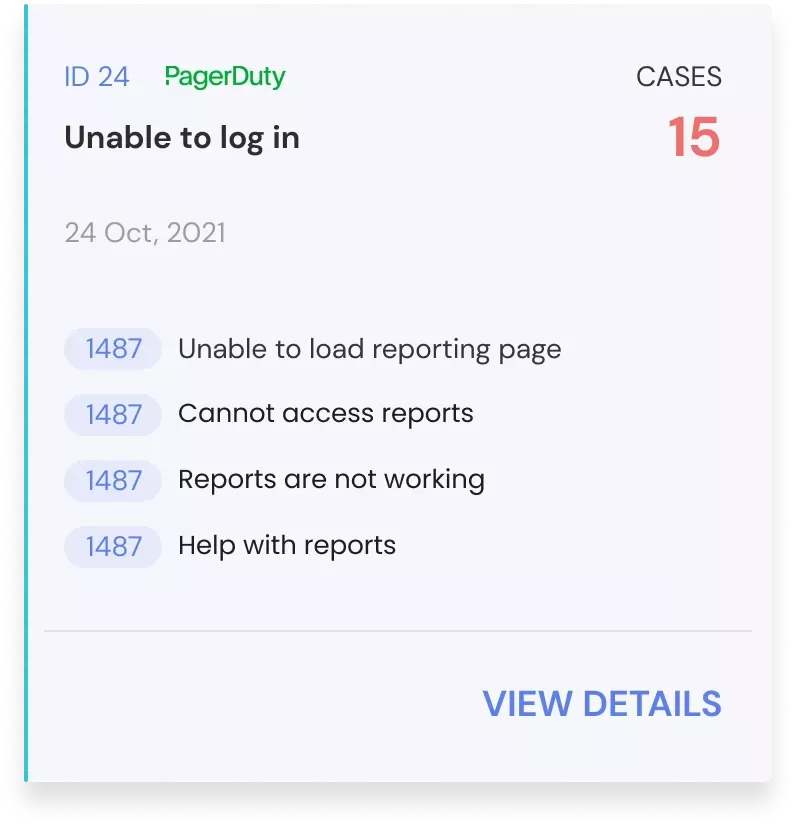
Know the revenue and customer sentiment impact of product bugs
- Prioritize product bugs with a significant
impact on customer support - Know which customers are impacted by
key bugs - Bugs and tickets are synchronized as
they update
Transform your CX
operations
operations
60%+
auto-resolved
10x
faster responses
$2.4M+
customer savings
95%
accuracy rate
How to Triage a Support Ticket in 2026
Manual triage follows the same four steps at every company, and every one of them is a judgment call a model can make faster. Each call assumes a shared standard, which is why it helps to write a customer service philosophy statement before you hand any of it to automation:
- Classify the intent. What is the customer actually asking for, as opposed to what the subject line says?
- Set the priority. Weigh severity against account value and contractual SLA, not just the customer's own urgency flag.
- Find the owner. Match the issue to the team with the skill and the system access to close it.
- Check for a known cause. If this ticket is the fortieth report of one bug, it should be linked to that bug, not triaged from scratch.
Step 4 is the one manual triage almost always skips, because a human triaging ticket 40 has no memory of tickets 1 through 39. IrisAgent runs all four on ingest, correlating each ticket against product releases, open bugs, and historical resolutions. Across Fortune 500 support teams handling 1M+ tickets a month, that correlation is what turns an escalation into a same-day answer. See how this feeds AI ticket automation downstream, and how AI predicts support issues before customers report them upstream.
Any questions?
We got you.

Try IrisGPT on your data for free
Proactive support is one piece of a broader strategy. See how AI customer support softwarecombines ticket triage, deflection, and proactive outreach in one platform.