
Real-Time Workflow Monitoring: 5 AI Tools Compared (2026)
When managing support teams, AI tools can save time, reduce errors, and improve customer satisfaction. This article reviews five AI-powered platforms that simplify workflow reporting by automating tasks like ticket tagging, routing, and sentiment analysis. Here's what you need to know:
IrisAgent: Specializes in ticket workflows with features like predictive analytics and sentiment analysis. Ideal for linking support data to customer outcomes.
Tableau: A business intelligence tool with advanced dashboards and predictive modeling for tracking KPIs like SLA adherence and CSAT.
Domo: Combines AI forecasting and anomaly detection with unified dashboards for cross-functional insights.
Qlik: Offers no-code predictive models and natural language queries for SLA tracking and root cause analysis.
Polymer: A simple, no-code tool for smaller teams needing quick, interactive dashboards.
Each tool fits different team sizes and technical expertise, offering solutions to streamline operations, monitor SLAs, and analyze customer sentiment. Start with a pilot program to test features and measure impact on key metrics like response times and ticket volumes. Reporting is only one piece of the stack. For the full picture of how these tools plug into modern AI for customer support platforms, start with the category overview.
What Is AI Workflow Reporting?
AI workflow reporting uses artificial intelligence to analyze support and operations workflows in real time: ticket queues, SLA risk, sentiment, and handoffs. Instead of static spreadsheets, teams get live dashboards and alerts that show where work is stalling and which automations are actually containing volume.
For support buyers, the useful output is not a generic BI chart. It is visibility into cycle time, escalation paths, and containment by workflow, tied to the help desk you already run. The five tools below differ on how deeply they connect to that stack, how fast they alert, and whether they only report or also act.
Key advantages when the tool fits: automated report generation, faster bottleneck detection, and decisions based on fresh operational data rather than weekly manual exports.
Top 5 AI Tools for Workflow Reporting
AI tools have become game-changers for support teams, boosting efficiency and enabling smarter, data-driven decisions. With features like real-time monitoring, AI-powered analytics, and workflow automation, these tools help U.S.-based support teams stay on top of ticket volumes, SLA compliance, customer sentiment, and team productivity. Here are five standout platforms that can transform the way support operations handle reporting.
1. IrisAgent
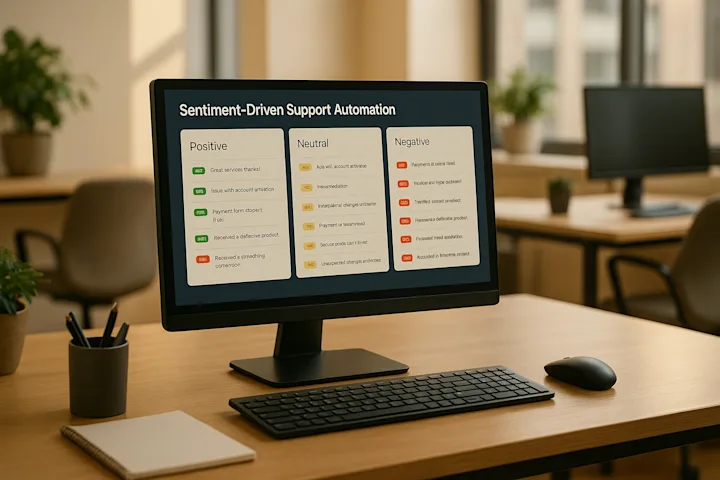
IrisAgent focuses on providing actionable insights for support operations. Unlike general-purpose analytics tools, IrisAgent is tailored for ticket workflows, escalations, and customer health. It combines GPT-based agent assistance, automated ticket tagging and routing, sentiment analysis, and predictive analytics to help teams make sense of their support data. IrisAgent can also automatically assign tasks based on predefined rules to streamline support operations, ensuring efficient ticket routing and escalation.
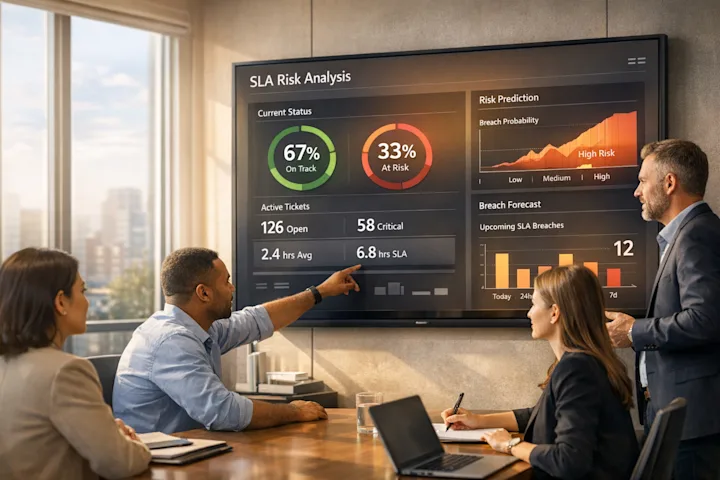
It integrates seamlessly with CRMs, help desks, and DevOps tools, linking tickets to backend incidents and customer account data. IrisAgent can be tailored to automate specific processes for service teams, including incident management and approval workflows, allowing organizations to streamline department-specific procedures and enhance collaboration. This means managers can access real-time dashboards that highlight SLA risks, negative customer sentiment trends, and ticket spikes related to product releases or technical issues. For example, if a high-value account shows a drop in sentiment or multiple escalations are tied to a specific feature, IrisAgent sends alerts so teams can act before problems escalate. Which CRM you use shapes what's possible here. See our comparison of CRM integrations for AI routing if you're deciding between Salesforce, HubSpot, or Zendesk for this layer.
2. Tableau
Part of Salesforce, Tableau is a robust business intelligence platform widely used across industries, including customer support. Its Tableau AI features - like predictive modeling, natural language queries, and explainable AI - allow teams to create custom dashboards for tracking KPIs such as first response time, average handle time, CSAT, and SLA adherence.
With Tableau, support teams can connect data from platforms like Salesforce Service Cloud, Zendesk, and ServiceNow, then use a drag and drop builder (a visual, user-friendly platform) to create custom dashboards and workflow automations. This builder enables advanced control and the ability to handle conditional logic without coding. For example, it can display ticket volume by channel, backlog patterns, or agent productivity across U.S. time zones. Its predictive models can forecast ticket inflow during busy periods, such as Black Friday, helping managers plan staffing more effectively.
3. Domo
Domo is a cloud-native platform that unifies data from support, product, finance, and operations into a single dashboard. Its Domo.AI features include AutoML, AI-driven forecasting, anomaly detection, and smart alerts.
By connecting Domo to help desks, CRMs, and billing systems, U.S. companies can predict ticket volumes and identify churn risks. For instance, if enterprise ticket volume spikes on a Friday afternoon, Domo can send alerts via email or Slack, prompting leadership to adjust staffing or escalate issues. Managers can also use plain English queries like, “Which product area had the highest support cost last month?” to quickly generate visuals with narrative explanations.
4. Qlik
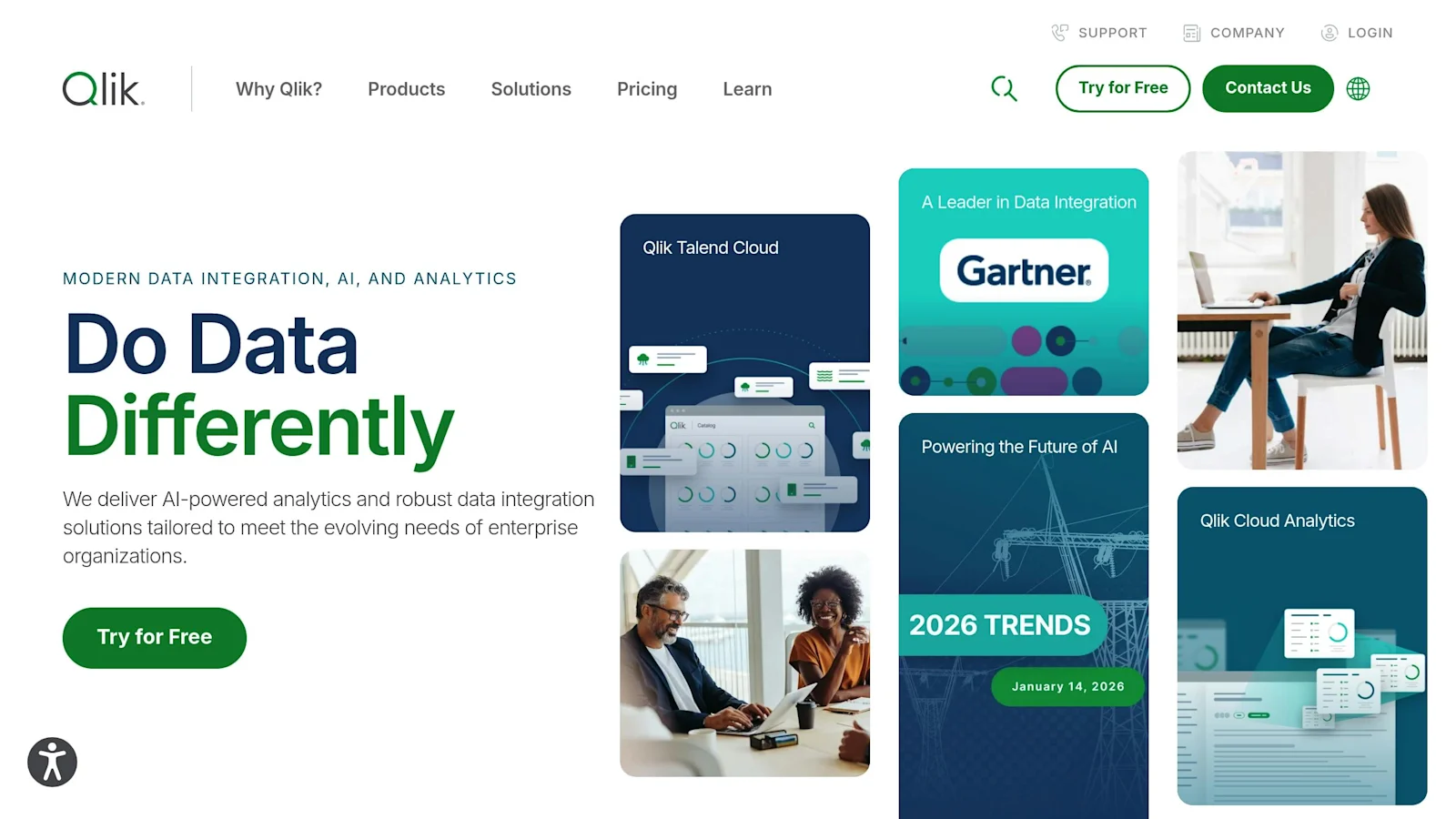
Qlik specializes in associative analytics, powered by Qlik AutoML and Insight Advisor, which generate visualizations and insights from natural language questions. It’s particularly effective for SLA tracking, backlog monitoring, and root cause analysis.
With AutoML, teams can create predictive models to forecast SLA breaches or identify tickets at risk of reopening. For example, a support leader might ask, “What factors contribute most to SLA violations for priority-1 tickets?” Qlik could reveal patterns involving specific regions, timeframes, or product modules. Insight Advisor can also provide narrative insights like, “Tickets logged on Fridays between 3 to 6 p.m. PT have a 25% higher chance of SLA breach”, helping teams adjust staffing or workflows proactively.
5. Polymer
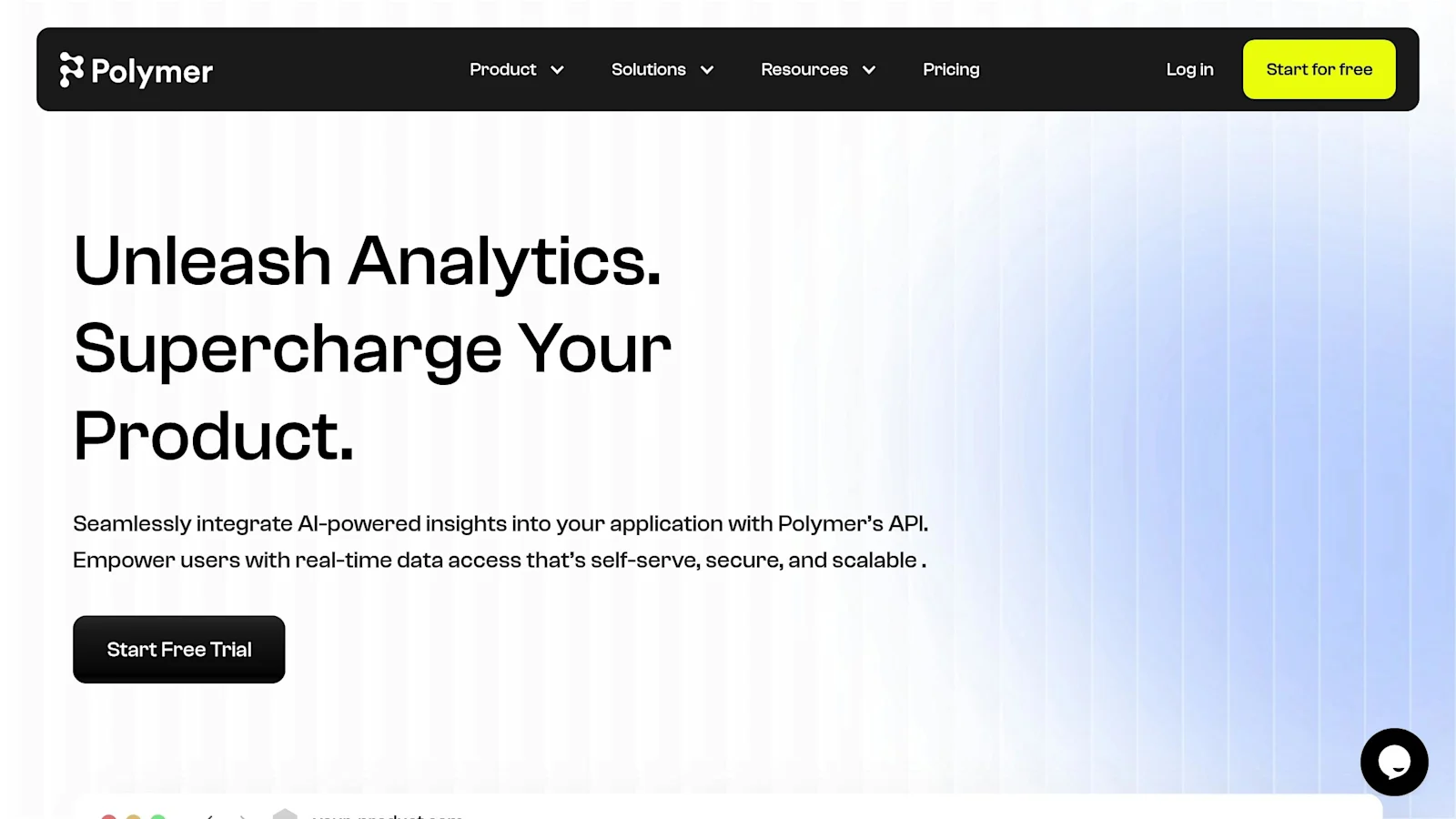
Polymer is a user-friendly, no-code analytics tool designed for smaller teams or non-technical users. It allows fast, self-serve reporting without the need for complex BI setups. Teams can upload a CSV of support data, and Polymer automatically creates dashboards highlighting metrics like ticket volume, resolution times, and agent productivity.
Polymer offers a free plan, enabling small teams to get started with workflow reporting at no cost and explore its basic functionalities before upgrading. The platform supports basic task management and task tracking through its dashboards, helping teams organize and monitor their work. Polymer also includes built-in automation and automation rules to streamline repetitive reporting tasks, such as automated notifications or updates based on specific conditions.
Workflow reporting tool comparison: at-a-glance
Tool | Best for | Pricing starts at ⚠ | Native support-stack connectors ⚠ | Real-time alerting | AI features |
IrisAgent | Support-ops teams that need live SLA alerting and AI-driven triage on Zendesk, Salesforce, Intercom, Freshdesk | Custom (per-agent) | 80+ | ✅ Sub-60-second | Sentiment scoring, SLA-breach forecasting, auto-routing, anomaly detection |
Tableau | Cross-org BI teams already on a data warehouse | $75/user/mo ⚠ | 100+ | ❌ Batch refresh | Einstein analytics add-on, NLQ via Ask Data |
Domo | Mid-market ops teams that want pre-built apps + alerting | $300/user/mo ⚠ | 1,000+ | ⚠ Near-real-time | AutoML, anomaly detection, Mr. Roboto AI assistant |
Qlik | Enterprise BI teams that want associative analytics | $30/user/mo ⚠ | 100+ | ⚠ Near-real-time | AutoML, Insight Advisor (NLQ) |
Polymer | Marketing / ops analysts who want fast chart-building from CSVs | $50/user/mo ⚠ | 25+ | ❌ | Conversational queries (PolyAI) |
The decision in one line: if you are a support team and you need alerting, IrisAgent or Domo. If you are a BI team and you need depth, Tableau or Qlik. If you need a chart by lunch, Polymer.
Integration matrix: which workflow reporting tool plugs into your stack
The fastest path to a working dashboard is the one with native connectors to the systems your team already runs. Below is a side-by-side of the five tools across the integrations support and ops teams actually use.
System | IrisAgent ⚠ | Tableau ⚠ | Domo ⚠ | Qlik ⚠ | Polymer ⚠ |
Zendesk | ✅ Native | ⚠ Connector | ✅ Native | ⚠ Connector | ⚠ CSV/Sheets |
Salesforce Service Cloud | ✅ Native | ✅ Native | ✅ Native | ✅ Native | ⚠ Connector |
Intercom | ✅ Native | ⚠ API | ⚠ Connector | ⚠ API | ⚠ CSV/Sheets |
Freshdesk | ✅ Native | ⚠ API | ⚠ Connector | ⚠ API | ❌ |
Jira Service Management | ✅ Native | ✅ Native | ✅ Native | ⚠ Connector | ⚠ CSV/Sheets |
ServiceNow | ✅ Native | ✅ Native | ✅ Native | ✅ Native | ❌ |
Slack (alerting) | ✅ Native | ⚠ Webhook | ✅ Native | ⚠ Webhook | ⚠ Webhook |
PagerDuty (alerting) | ✅ Native | ❌ | ⚠ Webhook | ❌ | ❌ |
Snowflake / BigQuery | ✅ Native | ✅ Native | ✅ Native | ✅ Native | ✅ Native |
Total native connectors ⚠ | 80+ | 100+ | 1,000+ | 100+ | 25+ |
Native = first-party integration with auth + bidirectional sync. Connector = vendor-published or marketplace plugin. API = customer builds. CSV/Sheets = manual or scheduled file load. ⚠
Native connectors to your help desk are the difference between “live in 24 hours” and “live in 6 weeks.” If your stack is Zendesk + Slack + Jira, IrisAgent and Domo are the two that drop in without engineering work.
Tableau and Qlik are stronger for cross-business BI than for support-specific workflow telemetry. They expect a data warehouse already in place.
Polymer is fastest to a chart, weakest on real-time data sync. Best for ad-hoc analysis on top of an existing CSV export.
Real-time alerting capability (because reporting without alerting is just a dashboard)
A workflow reporting tool earns its keep when it tells you something is wrong before the customer does. Real-time means under 60 seconds from event to notification. Anything longer is a delayed dashboard, not an alerting system.
Capability | IrisAgent ⚠ | Tableau ⚠ | Domo ⚠ | Qlik ⚠ | Polymer ⚠ |
Sub-60-second event-to-alert latency | ✅ | ❌ | ⚠ Near-real-time | ⚠ Near-real-time | ❌ |
Anomaly detection (auto-baseline) | ✅ | ⚠ Add-on | ✅ | ✅ | ❌ |
SLA breach forecasting | ✅ | ❌ | ⚠ Custom | ⚠ Custom | ❌ |
Routing-rule engine (alert → owner) | ✅ | ❌ | ✅ | ❌ | ❌ |
Slack / PagerDuty native delivery | ✅ | ⚠ Webhook | ✅ | ⚠ Webhook | ⚠ Webhook |
Customer-impact scoring on alerts | ✅ | ❌ | ❌ | ❌ | ❌ |
What this matters for: if your VP Support pages you at 9pm because a tier-1 customer’s SLA breached at 7pm, the gap between “real-time” and “near-real-time” is the gap between catching it before the breach and explaining it after.
What Real-Time Actually Means in an AI Workflow Analyzer
Every vendor on this list claims real-time. The claim splits into three different things once you look at where the delay actually sits.
The first is dashboard refresh: how often the chart redraws. This is the number vendors usually quote.
The second is data freshness: how old the underlying row already is by the time it reaches the dashboard. A 60-second refresh on a warehouse that syncs hourly is still an hourly product.
The third is alert latency: how long passes between the condition becoming true and a human being told. This is the only one that changes what your team does on a Friday afternoon, and it is the one almost nobody publishes. The table above scores it directly, because for support workflows the alert is the product.
A dashboard that tells you at 5 p.m. that the queue broke at 2 p.m. has not helped anyone. IrisAgent works the other direction: it acts on the ticket rather than reporting on it, acting on the ticket rather than only reporting on it, and deploying against your existing help desk in 24 hours, so much of the work that would have triggered an alert never reaches a human queue, so much of the work that would have triggered an alert never reaches a human queue.
Time-to-value benchmarks: from contract to first working dashboard
Vendor “deploys in days” claims rarely survive contact with reality. Below are honest, mid-market deployment timelines for a Zendesk + Salesforce stack with three integrations and ten dashboards. Numbers are based on customer-reported timelines ⚠.
Tool | First connector live ⚠ | First dashboard published ⚠ | First alert routed ⚠ | First 10 dashboards ⚠ |
IrisAgent | Day 1 | Day 1 | Day 1 | Week 1 |
Tableau | Week 1 | Week 2 | Week 4 (with add-on) | Week 6 |
Domo | Week 1 | Week 1 | Week 2 | Week 3 |
Qlik | Week 2 | Week 3 | Week 4 | Week 8 |
Polymer | Day 1 | Day 1 | n/a | Week 2 |
What drives the gap:
IrisAgent and Polymer
ship pre-built support templates. The first dashboard exists before you log in.
Tableau and Qlik
assume a data warehouse and a BI analyst. If you have neither, add 4 to 8 weeks for setup.
Domo
falls in the middle: cloud-native and pre-templated, but the alerting routing engine takes a week to configure.
How to Choose the Right Tool for Your Team
Small teams (under 10 users): Opt for no-code tools like Polymer or IrisAgent. These provide instant dashboards and automated ticket management, making them perfect for teams with limited resources or technical expertise.
Mid-sized teams (10-50 users): Scalable platforms such as Domo or Qlik are great choices. They offer AI-powered forecasting and no-code AutoML capabilities, which are ideal for growing teams.
Large enterprises (50+ users): For these teams, tools like Tableau or Domo stand out due to their strong governance and security features, ensuring smooth operations at scale.
The 5-question shortlist filter
Before you trial more than 2 tools, answer these. They eliminate 80% of mismatches.
Does it natively connect to your help desk?
If Zendesk / Salesforce / Intercom / Freshdesk is your system of record, native (not “via API”) matters. Customers report a 4 to 8 week delta between native and API-built connectors.
Can a non-engineer build a dashboard?
If the answer is “yes, with help from data engineering,” your support ops lead will not adopt it.
Does it ship alerts to Slack and PagerDuty in under 60 seconds?
If alerting is “near-real-time,” you do not have an alerting tool. You have a dashboard with notifications.
Is the AI doing something the dashboard cannot?
Sentiment scoring, SLA-breach prediction, anomaly detection, routing recommendations: these are AI use cases. “AI” that just renames “automatic refresh” does not count.
Can you run a 30-day trial against live data?
If the vendor requires a 6-week services engagement before the trial, the trial is not a trial. It is a sales cycle.
If you answered “IrisAgent” to any three of those, book a 20-minute demo and we will run it against your actual ticket data, with no slideware.
AI Process Monitoring Software vs Workflow Reporting: How to Choose
Most "best AI tools" lists rank by feature count. The metric that actually predicts whether a tool survives in production is alerting latency: how long passes between a workflow breaking and your team knowing. Workflow reporting tells you what already happened, summarized from stored data. AI process monitoring software watches processes as they run and flags problems in real time, so you can act before a breach instead of reviewing it afterward. The tools split into two camps. General BI platforms (Tableau, Domo, Qlik, and Polymer) are deep on historical analysis but poll on a schedule, so real-time alerting is an add-on. Support-native tools read the ticket stream as it arrives. IrisAgent flags an SLA risk or a sentiment drop the moment it appears in the queue, because it processes more than 1 million tickets per month across Fortune 500 support teams on ingest, not on a refresh cycle. The buying question is simple: do you need to explain last week, or stop next week's breach? Choose your tool on which side of that line your problem sits.
Containment Reporting by Workflow: What Support Buyers Actually Need
Generic BI tools report on tasks. Support buyers report on containment: the share of conversations an AI resolved end to end without a human touching them. If your reporting tool cannot break containment down by workflow, you cannot tell your VP which automations are earning their keep.
Three numbers belong on that report, and most workflow reporting tools produce none of them:
Containment rate by workflow. Password reset, refund status, and order tracking will not contain at the same rate. A single blended number hides which workflow to fix next.
Channel share. How much volume the AI is taking on chat versus email versus voice. Channel share moving without containment moving usually means you shifted work, not removed it.
Escalation reason. Not just that the AI handed off, but why: low confidence, missing knowledge, or a workflow the AI was never given. Only the third one is a roadmap item.
IrisAgent reports all three natively because it resolves the ticket rather than sitting beside the help desk reading it. Validated answer accuracy stays above 95 percent, and the containment breakdown ships with the deployment rather than needing a separate dashboard project.
Conclusion
Choose a workflow reporting stack by help-desk fit, alerting latency, and whether the tool can show containment by workflow, not by dashboard aesthetics alone. IrisAgent is built for support operations that need action plus reporting; Tableau, Domo, and Qlik suit broader BI programs; Polymer fits smaller teams that need speed.
Run a short pilot on a handful of metrics (first response time, backlog, SLA adherence, CSAT) and keep the Book a demo path when you want the comparison on your own ticket data: book a demo.
Frequently Asked Questions
What are the best AI tools for real-time workflow monitoring?
The strongest tools share three traits: they ingest events from the systems where work actually happens rather than relying on manual status updates, they surface cycle time and bottleneck data continuously instead of in a weekly export, and they alert a human the moment a workflow stalls rather than after an SLA is already missed. In a support context that means connecting to the helpdesk, the ticketing system, and any backend the workflow touches, then watching resolution time, queue depth, and stage-level dwell time as a live signal.
How is AI workflow reporting different from a traditional dashboard?
A traditional dashboard shows you what already happened and waits for you to notice a problem. AI workflow reporting adds pattern detection on top of the same data: it learns the normal shape of a process, flags a deviation while it is still small, and can attribute the slowdown to a specific stage, owner, or upstream dependency. The value is the shift from reactive review to a monitored process that pages a person when it needs attention.
What metrics matter most for workflow efficiency and cycle time?
Cycle time end to end, stage-level dwell time so you can see where work sits, throughput per period, rework rate, and the percentage of items that breach a target. For support workflows specifically, add first-response time, automated-resolution rate, and handoff count, since each handoff is a place where cycle time leaks.
Can AI reduce manual reporting work for support operations?
Yes. Most of the manual effort in support reporting is collecting and reconciling data from the helpdesk, the CRM, and spreadsheets. An AI layer that connects to those systems directly can generate the recurring report, explain the week-over-week movement in plain language, and highlight the two or three changes that actually need a decision, which removes the assembly step rather than just formatting the output.

Loading the form. Prefer email? Reach us at info@irisagent.comor call +1 617 249 3312.