
Customer Service Automation Softwarethat Automates 60% of your Tickets
By Palak Dalal Bhatia, CEO & Co-founder, IrisAgent · Updated May 28, 2026





operations
What Is Customer Service Automation?
Customer service automation is the use of AI and software to handle support tasks that previously required a human: resolving routine tickets end to end, routing and tagging incoming issues, suggesting replies to agents, and surfacing customer sentiment. Modern platforms like IrisAgent automate 60% or more of inbound volume without human intervention and cut average handle time roughly in half. The goal is not to remove people. It is to let agents focus on complex, high-value conversations while software absorbs the repetitive load.
What you can automate with IrisAgent:
- Ticket resolution: auto-resolve password resets, order status, refund eligibility, and similar high-volume requests end to end.
- Triage and routing: classify, tag, and route every incoming ticket by intent and priority in under two seconds.
- Agent assist: surface the right answer and a full context summary before a human agent types a word.
- Proactive detection: flag emerging issues from ticket trends before they escalate into a spike.
Deflect 60%+ of Tickets with GPT-Powered AI Agents
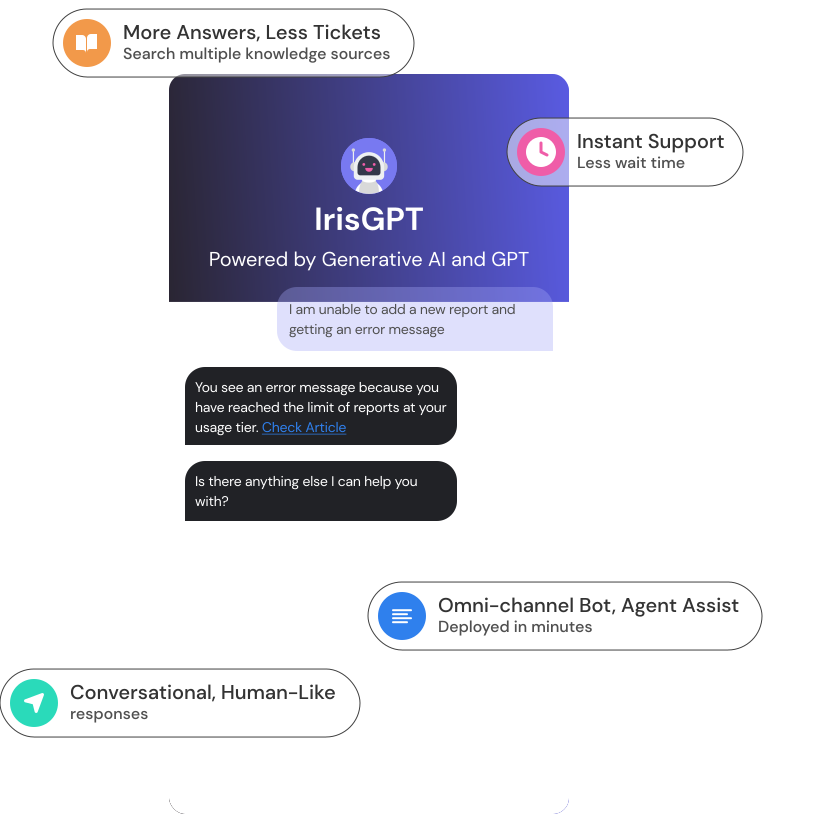
Agent Assist That Cuts Resolution Time in Half
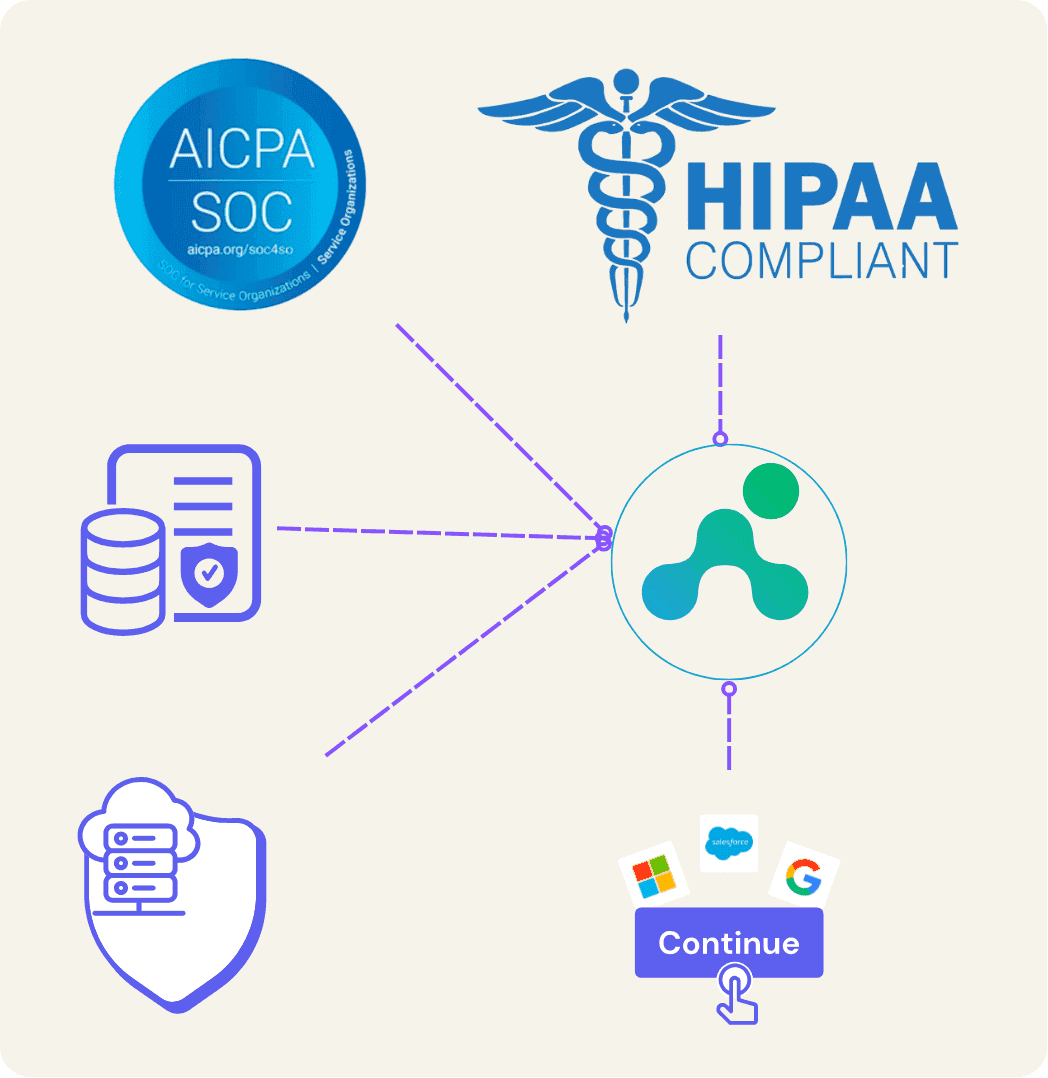
Enterprise-Grade Security and Instant Integration
How to Automate Customer Service in Four Steps
Most teams that successfully automate customer service follow the same sequence. You do not automate everything on day one. You layer automation onto the workflow you already have, starting with the highest-volume, lowest-judgment work and moving up from there.
- Connect your helpdesk and knowledge sources. Point an AI automation platform at your helpdesk (Zendesk, Salesforce Service Cloud, Intercom, Freshdesk) and your knowledge base. The system reads incoming tickets and grounds every answer in your own documented content, so it does not invent responses. With IrisAgent this connection is made from each helpdesk marketplace and inherits your existing queues, tags, and SLA policies.
- Automate resolution of high-volume tickets. Turn on end-to-end resolution for the repetitive requests that make up the bulk of your volume: password resets, order status, refund eligibility, and account updates. These are the tickets a customer should never have to wait on a human for. Teams typically reach 60% or more auto-resolution within a few weeks.
- Automate triage, tagging, and routing. For everything the AI does not resolve outright, let it classify the ticket by intent and priority, apply the right tags, and route it to the correct queue or agent in under two seconds. This removes the manual triage step that quietly consumes a large share of most support teams' time.
- Add real-time agent assist. On the tickets that still need human judgment, surface a suggested answer and a full context summary before the agent types a word. This is where automation stops being a deflection tool and starts making your existing team measurably faster.
The Four Types of Customer Service Automation
"Customer service automation" is an umbrella term. In practice it breaks into four distinct capabilities, and most mature programs run all four at once. Understanding the difference helps you scope a rollout and avoid buying a point tool when you need a platform.
- Self-service automation. AI chatbots and help centers that let customers resolve issues themselves, before a ticket is ever created. This is the front line of deflection.
- Ticket automation. Automated tagging, routing, prioritization, and end-to-end resolution of tickets that do enter the queue. This is the engine room of an automated ticketing system.
- Agent assist automation. Real-time suggestions, draft replies, and context summaries that make human agents faster on the tickets they handle.
- Proactive automation. Detecting emerging issues from ticket trends and product signals, then alerting teams or reaching out to customers before a problem becomes a spike.
Rules-Based Automation vs AI Automation
Many teams already have some automation through helpdesk macros and if/then rules. The question is not whether to automate, it is how. Rules work until your rule set grows past a few hundred branches, at which point it becomes unmaintainable and brittle. AI automation reads the full ticket the way a senior agent would and learns from every resolution.
| Dimension | Rules-based automation | AI automation |
|---|---|---|
| Decision basis | Keyword and field matching | Full ticket context, history, and sentiment |
| Accuracy ceiling | 40% to 50% correct routing | 85% to 95% on mature deployments |
| Maintenance | Manual rule edits, breaks on misspellings | Learns from resolutions, no rule tree to maintain |
| End-to-end resolution | No, routing only | Yes, resolves 60%+ without a human |
What to Expect: ROI and Benchmarks
Customer service automation pays back in three ways: tickets your team never has to touch, faster handling of the ones they do, and fewer escalations. These are the benchmarks IrisAgent customers see in production.
- 60%+ auto-resolution of inbound tickets without human intervention, typically within the first few weeks.
- 40% to 60% lower average handle time on the tickets that still reach an agent, thanks to instant triage and real-time assist.
- 30% to 60% lower support cost per resolved ticket as volume scales without adding headcount.
- Days, not months, to deploy. Dropbox saved 160,000 agent minutes in a single half-year, and Zuora reached 10x faster resolution, both on IrisAgent.
To model the numbers for your own team, use the customer support ROI calculatoror book a demo for a custom projection.
Explore Customer Service Automation by Capability
Customer service automation is the category. These are the specific capabilities that make it work, plus the broader AI customer support platform they belong to.


Any questions?
We got you.

See IrisAgent Live in 30 Minutes
Book a personalized demo with an AI customer service specialist. We'll walk through your use case, share a custom ROI projection, and answer every question. No credit card. No sales pressure.